THE EVOLVE EDTECH BLOG
Welcome to The Evolve EdTech Blog.
Here you will find a range of blog entries from the team at Evolve EdTech exploring a range of tips, tricks and tools that you can use to help you incorporate educational technology into your classroom.

Bring Learning to Life with Infographics — 12 Tech Tips of Christmas 2025
Bring Learning to Life with Infographics — 12 Tech Tips of Christmas 2025
Well, hello everyone, and welcome back to Day Five of the 12 Tech Tips of Christmas for 2025 here at Evolve EdTech! If we haven’t crossed paths yet this season, lovely to meet you — I’m Tristan Herron, your Future-Ready Teaching Specialist and festive tech guide.
Whether you’ve been following along since Day One or you’ve just stumbled into the party with a piece of Christmas cake in hand, today’s episode is a cracker. We’re diving into a tool that teachers love once they try — infographics.
They sound fancy, but trust me, they’re much simpler (and more fun!) than they seem.
⭐ What Exactly Is an Infographic?
Infographics are visual representations of information — blending text, icons, images, shapes and data to communicate ideas quickly and clearly. Think of them as the teaching equivalent of a neat cheat sheet: simple, eye-catching and incredibly effective.
Why are they brilliant for classrooms?
They help students summarise complex content
They encourage identifying key points
They support digital literacy, critical thinking and communication skills
They make lessons feel modern, creative and engaging
They can be created by you or by your students (which they absolutely love)
Infographics aren't about producing a masterpiece. They can be beautifully simple and still incredibly powerful.
⭐ Examples from Evolve EdTech
We’ve created plenty of infographics over the years — some for educators, some for students, and some we’ve tested behind the scenes. A couple of favourites include:
10 Ways to Use Wakelet in the Classroom
24 Ways to Use ChatGPT from our 2024 series
They’re uncomplicated, accessible, and they get the job done — which is exactly how infographics should be.
⭐ Creating Infographics the Easy Way (Thank You, Canva)
If you’re new to Canva, breathe. You don’t need to be a designer. You don’t even need to be confident — Canva will meet you where you're at.
Step 1: Search for Templates
Head to Canva → Templates → type “Infographics”.
Thousands of editable starting points appear instantly.
Step 2: Use Canva for Education
If you haven’t already checked your eligibility for a free Canva for Education account, do it today. You get access to almost everything Canva Pro offers — all for free as an educator.
(A small early-Christmas miracle, really.)
Step 3: Start Simple
Even a blank presentation slide works beautifully. Add shapes, icons and text. Resize it later to A4 or A3 with one click. No stress, no drama.
Step 4: Let Creativity Flow
Try things like:
Classroom expectations posters
Vocabulary or metalanguage reference sheets
Assessment result breakdowns using charts
Timeline summaries
Subject-specific concept posters
"Ways to Use This Tool" guides
If you're a PowerPoint or Google Slides fan, you can create infographics there too. Canva just gives you that extra sparkle.
⭐ A Peek Behind the Scenes
Inside the Evolve EdTech Canva account, we’ve been developing loads of infographic ideas:
12 Ways to Use NotebookLM
Tips for Google Slides
AI tools educators love
Some have been released, some are still in the design oven, and some might make their debut in the new year.
You’ll see that each one is clean, simple, and easy to understand — exactly the combination you need when supporting busy teachers or curious students.
⭐ Why Infographics Work So Well in Classrooms
Infographics:
Clarify learning
Support visual learners
Encourage students to think critically about layout and meaning
Make content more memorable
Can be collaborative, creative and downright fun
And the best part?
Your students can create them too.
In fact, once they learn the basics, they often run with the idea far more boldly than we do. Infographics become a wonderful vehicle for student ownership and authentic expression.
⭐ Ready to Try It?
Infographics aren’t about perfection. They’re about communication.
With Canva, PowerPoint, Google Slides or even Docs/Word, you have everything you need to create informative, accessible and engaging visuals for your classroom.
Dip your toes in. Experiment. Let students experiment. You’ll be amazed at how much value these simple visuals bring to your teaching.
🎄 Wrapping Up Day 5!
Thank you for joining us for Day Five of the 12 Tech Tips of Christmas 2025! We’re officially halfway, and the sleigh of ideas is still fully loaded.
If you haven’t already, head over to our Evolve EdTech YouTube channel and hit subscribe. Give the video a thumbs-up too — it helps more educators discover these free professional learning moments.
We’ll see you tomorrow for Day Six, where another festive tech tip awaits.
Until then — stay safe, be good, and keep evolving your EdTech confidence.

LEARN
Looking for FREE on-demand professional learning all year round?
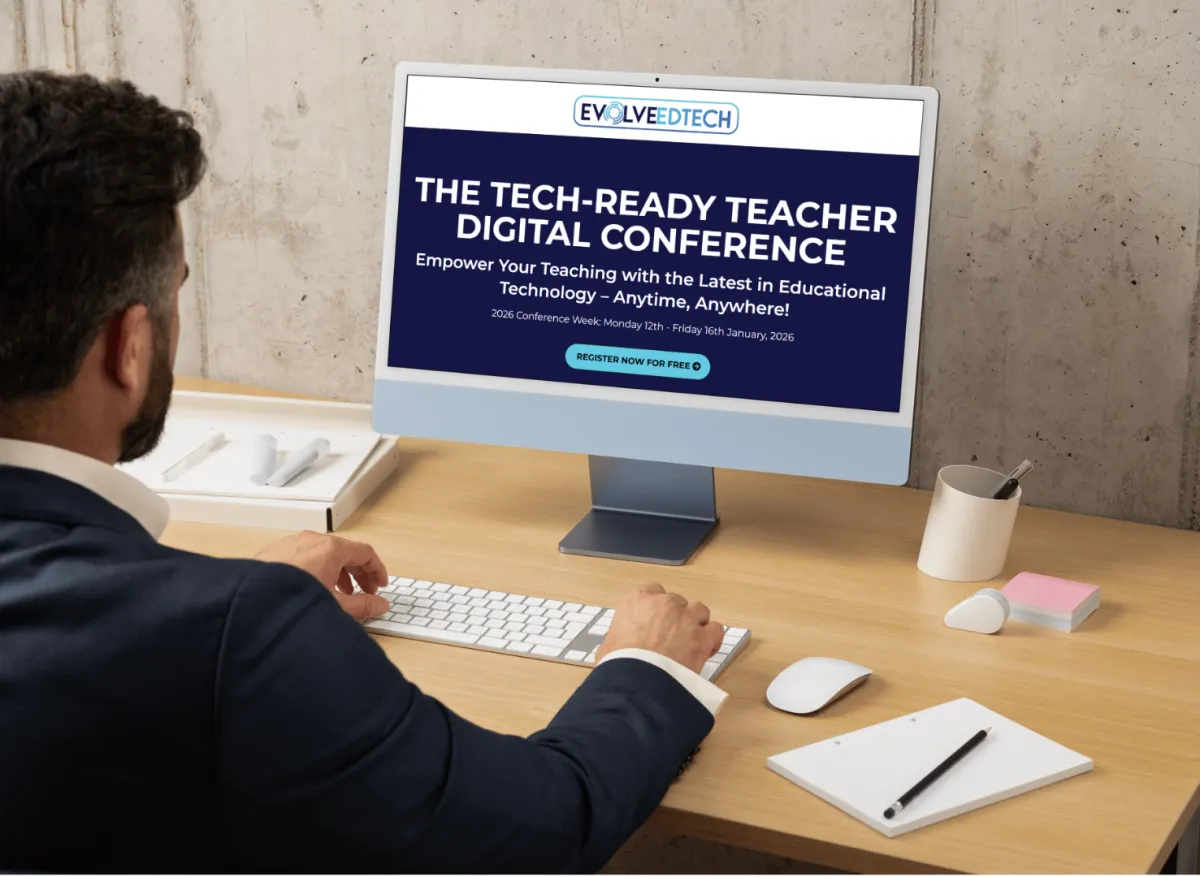
Join the team from Evolve EdTech and access on-demand sessions from The Tech-Ready Teacher Digital Conference. Each January, the conference is updated with brand new sessions to help you become a master of edtech in the classroom.

CONNECT WITH US


ABOUT EVOLVE EDTECH
CONTACT EVOLVE EDTECH
TERMS & CONDITIONS
At Evolve EdTech we acknowledge the Traditional Owners of country throughout Australia and recognise their continuing connection to land, waters and culture. We pay our respects to their Elders past, present and emerging. Always was, always will be Aboriginal Land.
Copyright 2025. Evolve EdTech. All Rights Reserved.